 ID to Wallet
UK Driving Licence in Apple Wallet
Put your UK driving licence in Apple Wallet with ID to Wallet.
Scan the photocard and the numbered fields fill themselves in.
Your driver number is a tap away the next time a form asks for it.
Download on theApp Store
First ID free · iPhone · No account needed
Apple Wallet doesn't take UK licences
There's no official UK driving licence in Apple Wallet.
The government's official digital licence is part of GOV.UK Wallet.
ID to Wallet makes a personal copy that works today. It isn't an official licence.
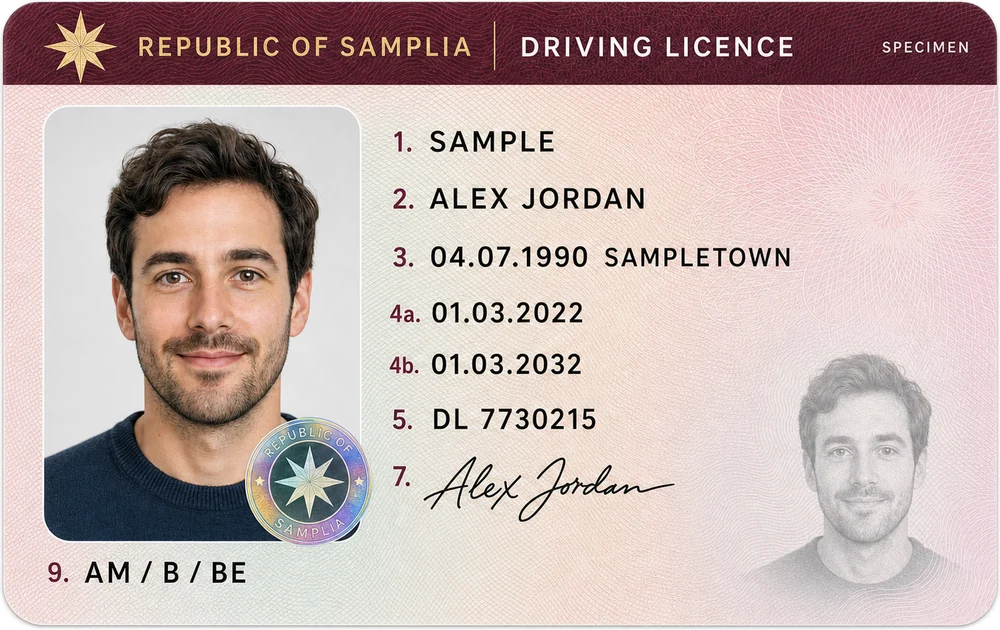
Reads the photocard
UK photocards use the same numbered fields as other European licences:
- 1 and 2: surname and first names
- 3: date and place of birth
- 4a and 4b: issue and expiry dates
- 5: driver number
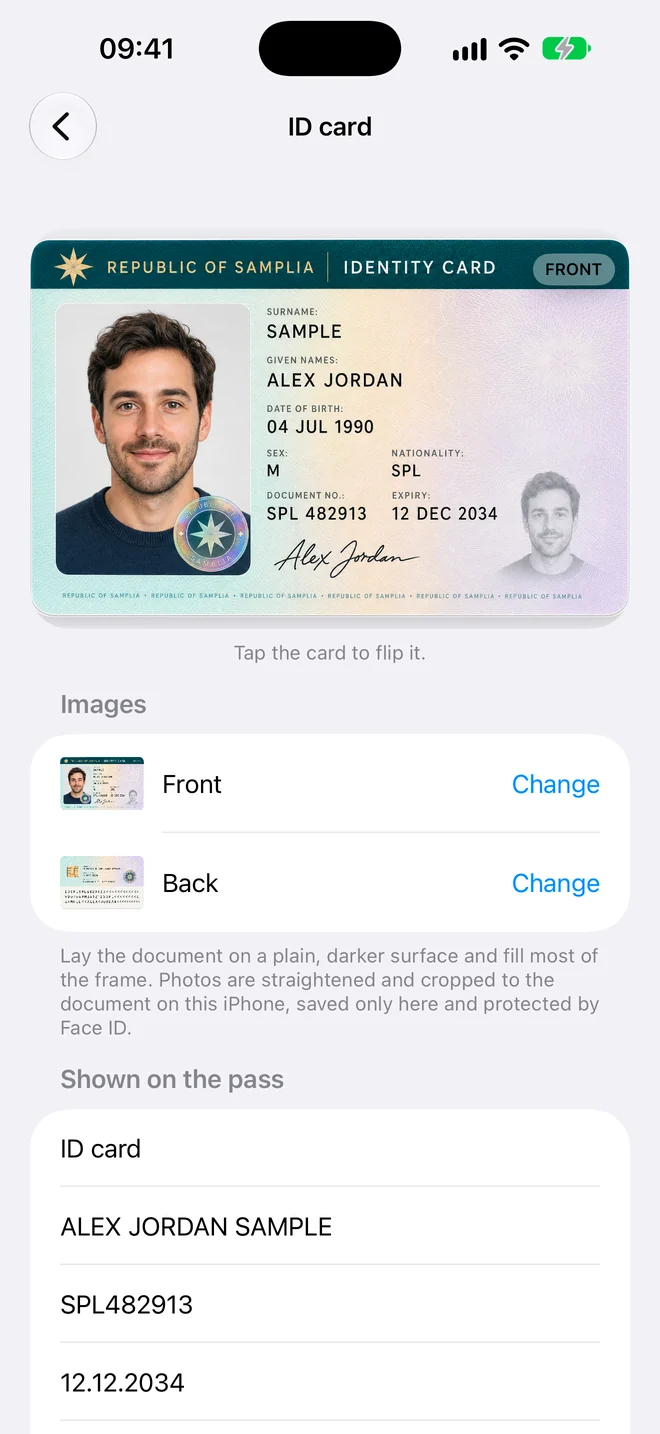
Handy for car hire and insurance
Car hire, insurance quotes and parking permits all ask for your driver number.
With your licence in Wallet, it's a tap away.
Keep the photocard with you when you drive.
How it works
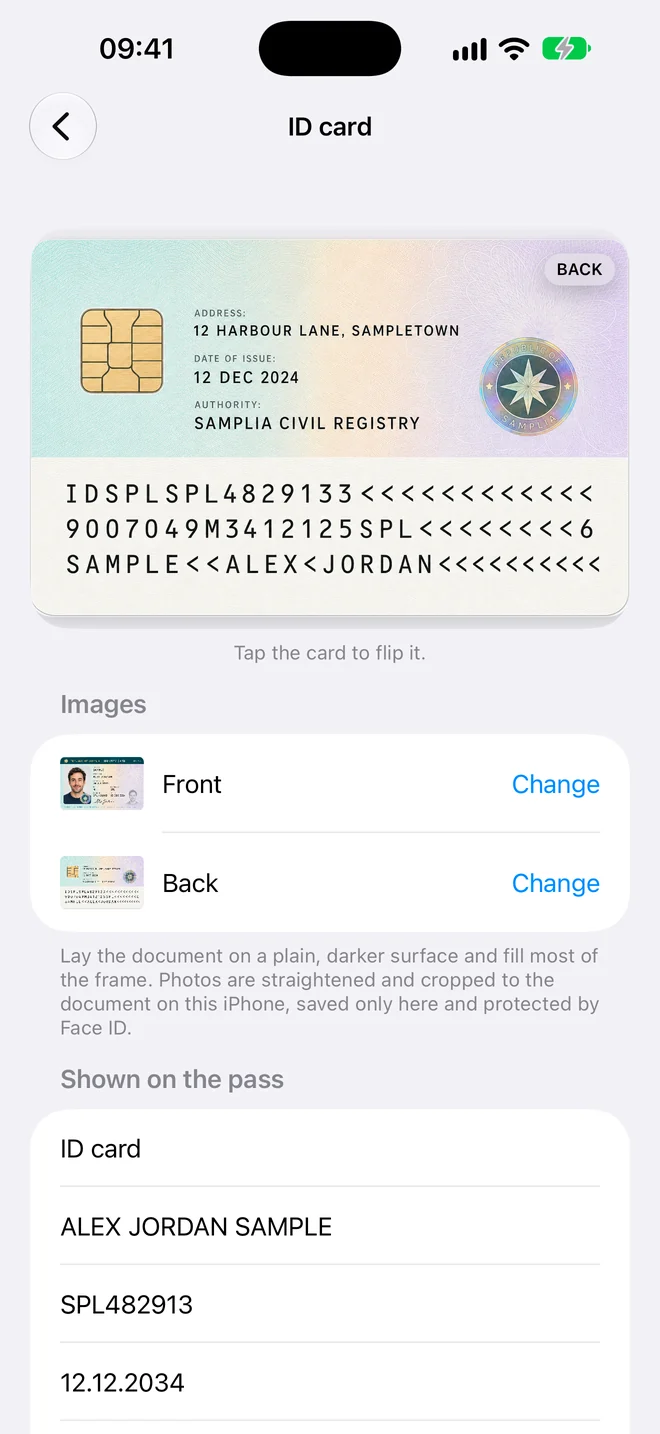
Three steps, no forms
- Scan. Hold your iPhone over the document. The photo takes itself when it's steady and sharp.
- Check. The details are read for you. Fix anything that looks wrong, or add a field yourself.
- Add to Wallet. Tap Add and the pass appears in Apple Wallet in the card's own colour.
Private by design
Your documents stay yours
UK Driving Licence in Apple Wallet, in a minute
Scan it, check the details, add it to Wallet.
Download on theApp Store
First ID free · iPhone · No account needed