 ID to Wallet
Driving Licence in Apple Wallet
Keep your driving licence in Apple Wallet with ID to Wallet.
Scan the photocard and the numbered fields fill themselves in.
Your licence is a tap away whenever a form asks for the number.
Download on theApp Store
First ID free · iPhone · No account needed
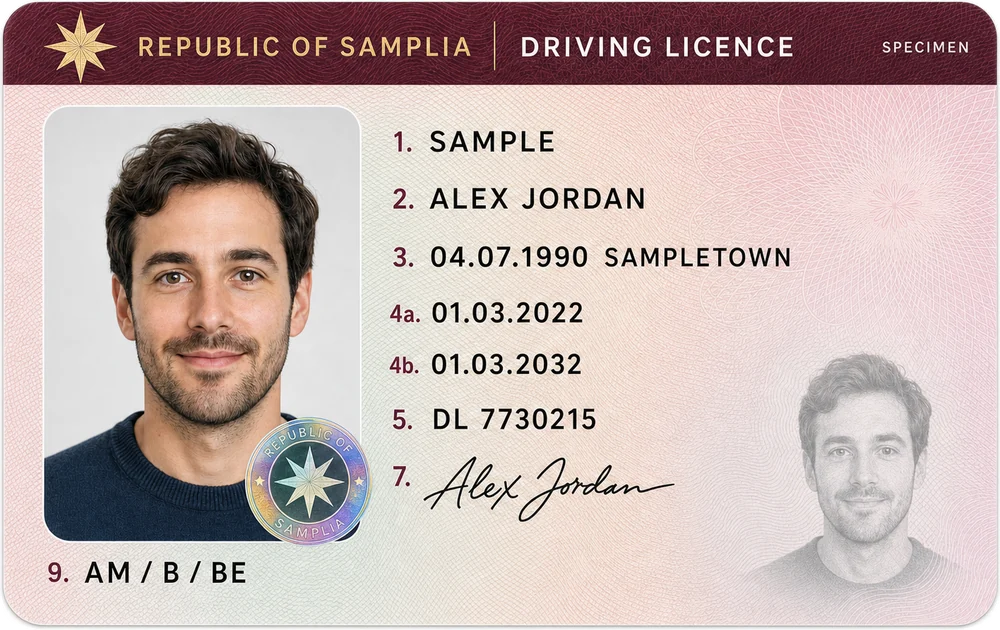
Reads the numbered fields
EU-format photocard licences, including UK ones, list your details in numbered fields.
ID to Wallet reads them on your iPhone:
- 1 and 2: surname and first names
- 3: date and place of birth
- 4a and 4b: issue and expiry dates
- 5: licence number
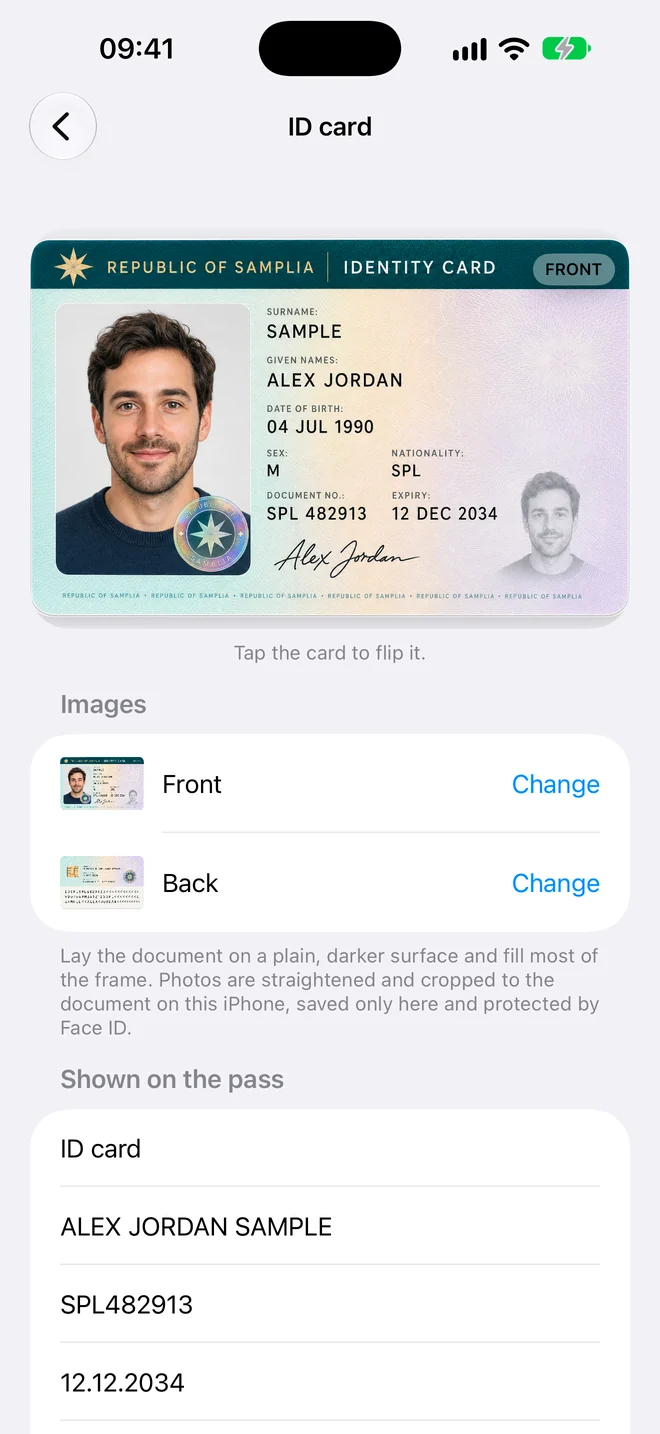
The back stays with it
Scan the back too, and your vehicle categories are kept with the card.
Flip between the two sides in the app.
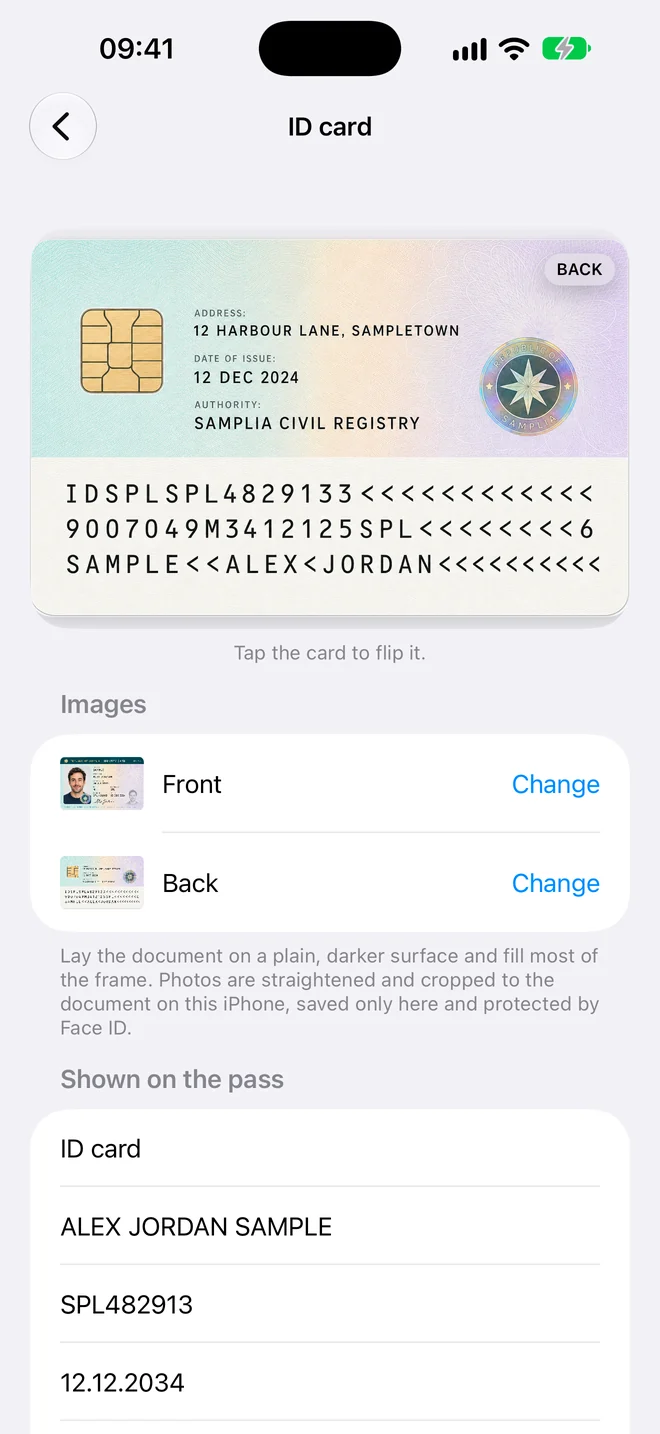
A copy for the moments in between
Police and rental desks ask for the physical licence, so keep carrying it.
ID to Wallet is for everything else: booking a hire car, filling in an insurance quote, or checking your licence number from the sofa.
How it works
Three steps, no forms
- Scan. Hold your iPhone over the document. The photo takes itself when it's steady and sharp.
- Check. The details are read for you. Fix anything that looks wrong, or add a field yourself.
- Add to Wallet. Tap Add and the pass appears in Apple Wallet in the card's own colour.
Private by design
Your documents stay yours
Driving Licence in Apple Wallet, in a minute
Scan it, check the details, add it to Wallet.
Download on theApp Store
First ID free · iPhone · No account needed