 ID to Wallet
Passport in Apple Wallet
Put a copy of your passport in Apple Wallet with ID to Wallet.
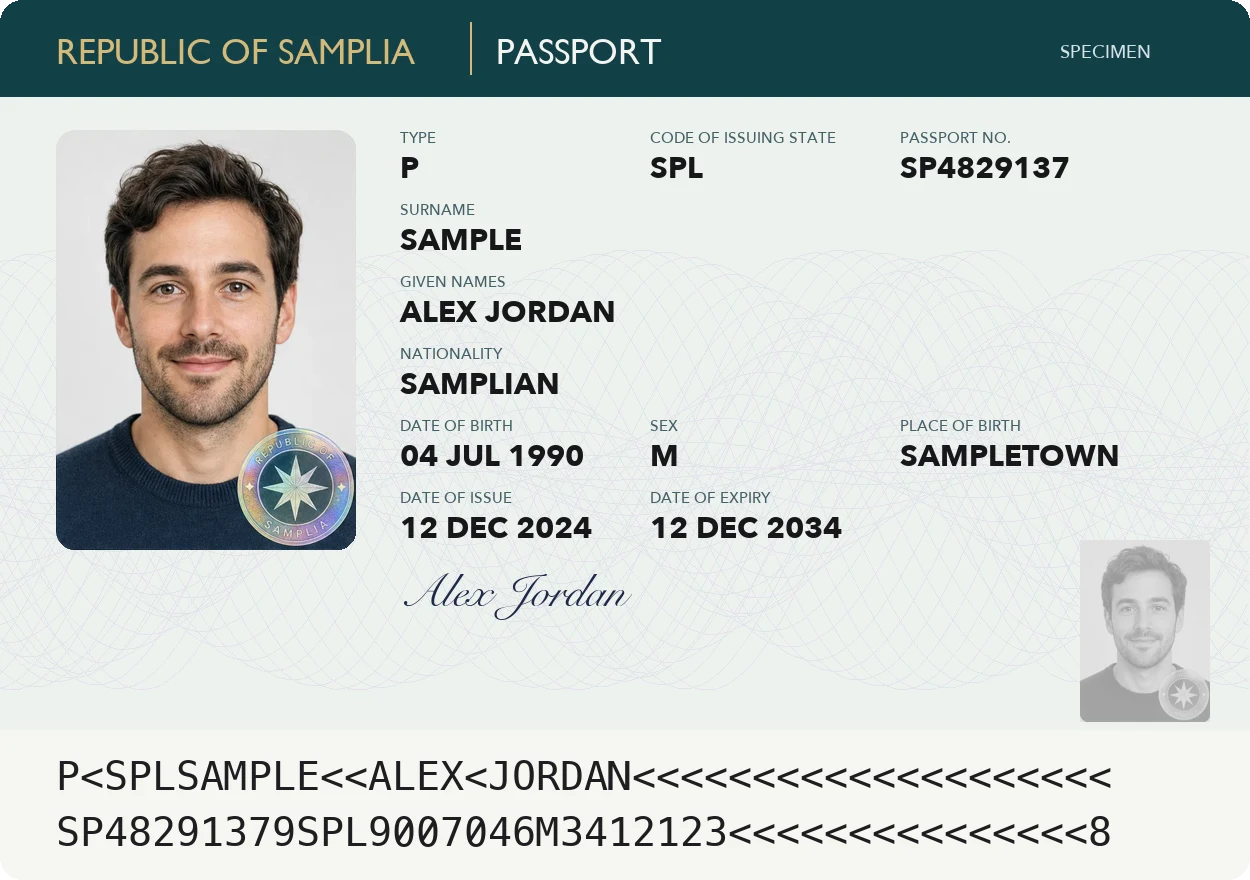
Scan the photo page.
The two lines at the bottom give your name, passport number, nationality and dates, with nothing to type.
Made for travel forms
- Flight bookings that ask for your passport number and expiry
- Hotel check-in forms
- Visa and travel applications
- A copy to hand if the passport is lost
Any country's passport
The machine-readable lines follow one international format, so they read the same whichever country issued your passport.
Apple's own Digital ID is a separate, official feature, made from a US passport.
ID to Wallet makes a personal copy instead.
Expiry date on the pass
The pass shows when your passport expires, so a renewal doesn't sneak up on you.
Border staff and some hotels still need the original, so keep it with you when you travel.
Three steps, no forms
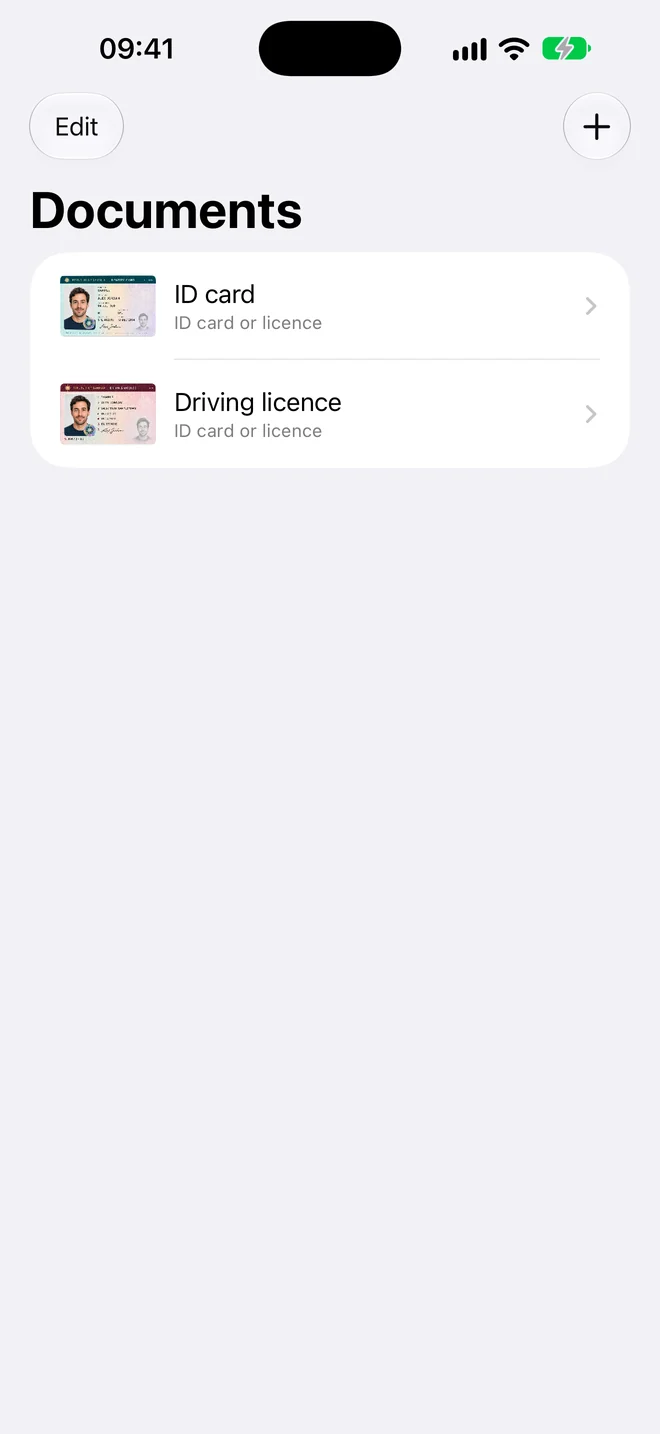
- Scan. Hold your iPhone over the document. The photo takes itself when it's steady and sharp.
- Check. The details are read for you. Fix anything that looks wrong, or add a field yourself.
- Add to Wallet. Tap Add and the pass appears in Apple Wallet in the card's own colour.
Questions
Can I add my passport to Apple Wallet?
Apple's Digital ID is made from a US passport. It works at select TSA checkpoints for domestic travel and needs an iPhone 11 or later with iOS 26.1. For any other passport, ID to Wallet adds a personal copy of the photo page as a Wallet pass.
Can I travel with the copy?
No. Airlines and border staff need the original passport. The copy is for typing your passport number into bookings and forms.
Your documents stay yours
Passport in Apple Wallet, in a minute
Scan it, check the details, add it to Wallet.