 ID to Wallet
Add Your ID Card to Apple Wallet
Add your ID card to Apple Wallet in under a minute with ID to Wallet.
Scan the front and back, check the details, and tap Add.
Your card sits next to your other passes, ready when you need it.
Download on theApp Store
First ID free · iPhone · No account needed
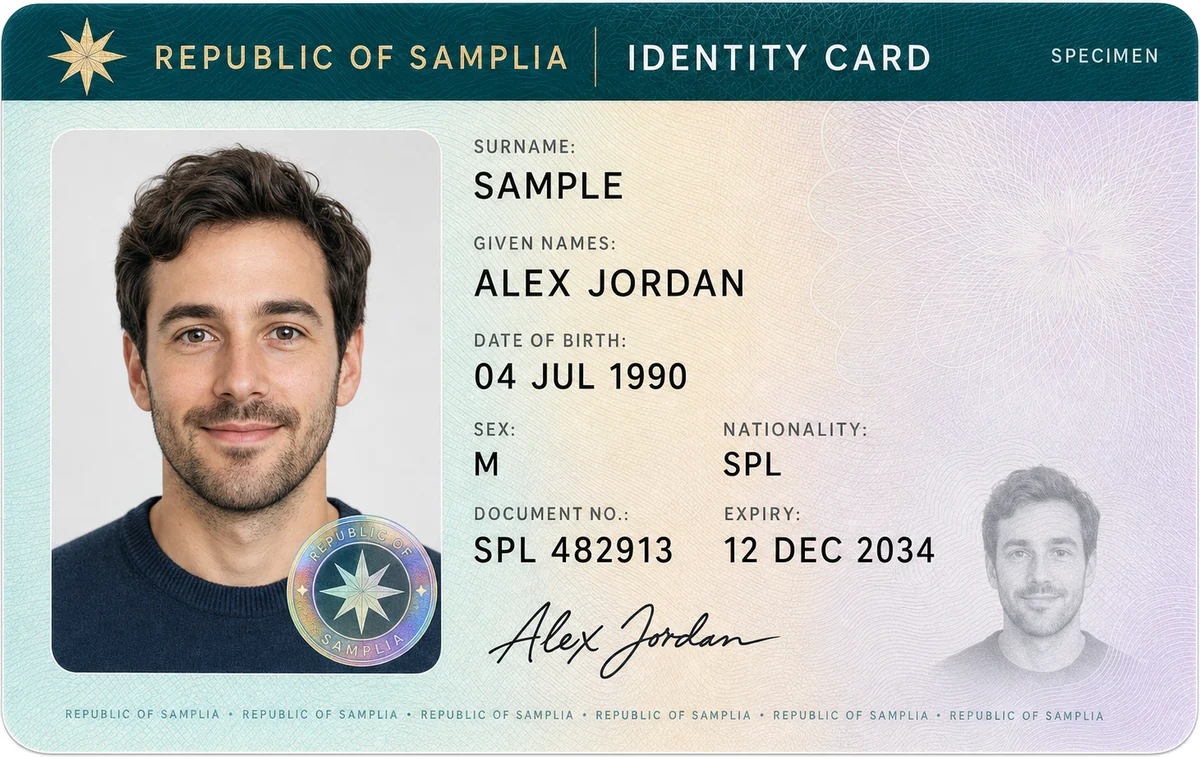
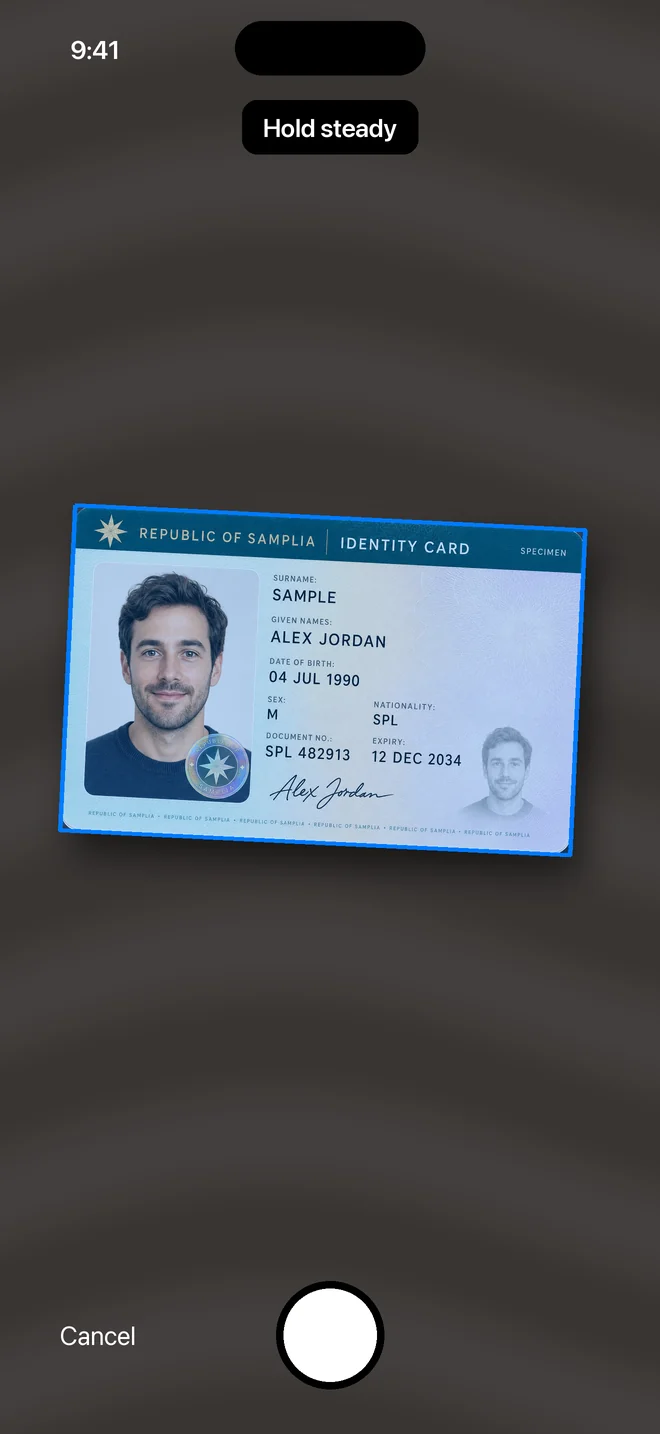
It finds the card for you
Hold your iPhone over the card.
A blue outline locks onto its edges, and the photo takes itself when it's steady and sharp.
The image is straightened and cropped to the card, so it looks like the card and not a photo of a table.
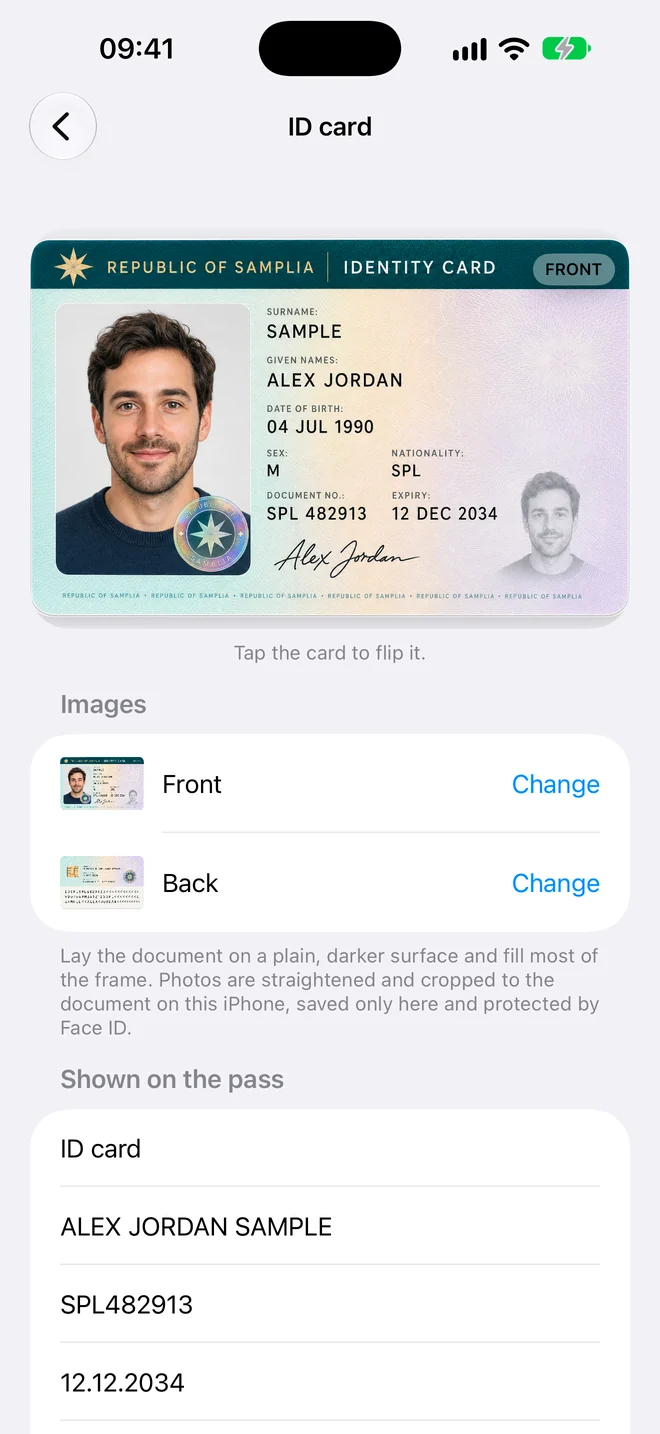
Name, number and dates, read for you
ID to Wallet reads the machine-readable lines on the back of most ID cards, and printed labels in English and Spanish.
- Full name
- Document number
- Date of birth and expiry date
- Nationality
Every field can be edited before you add the pass.
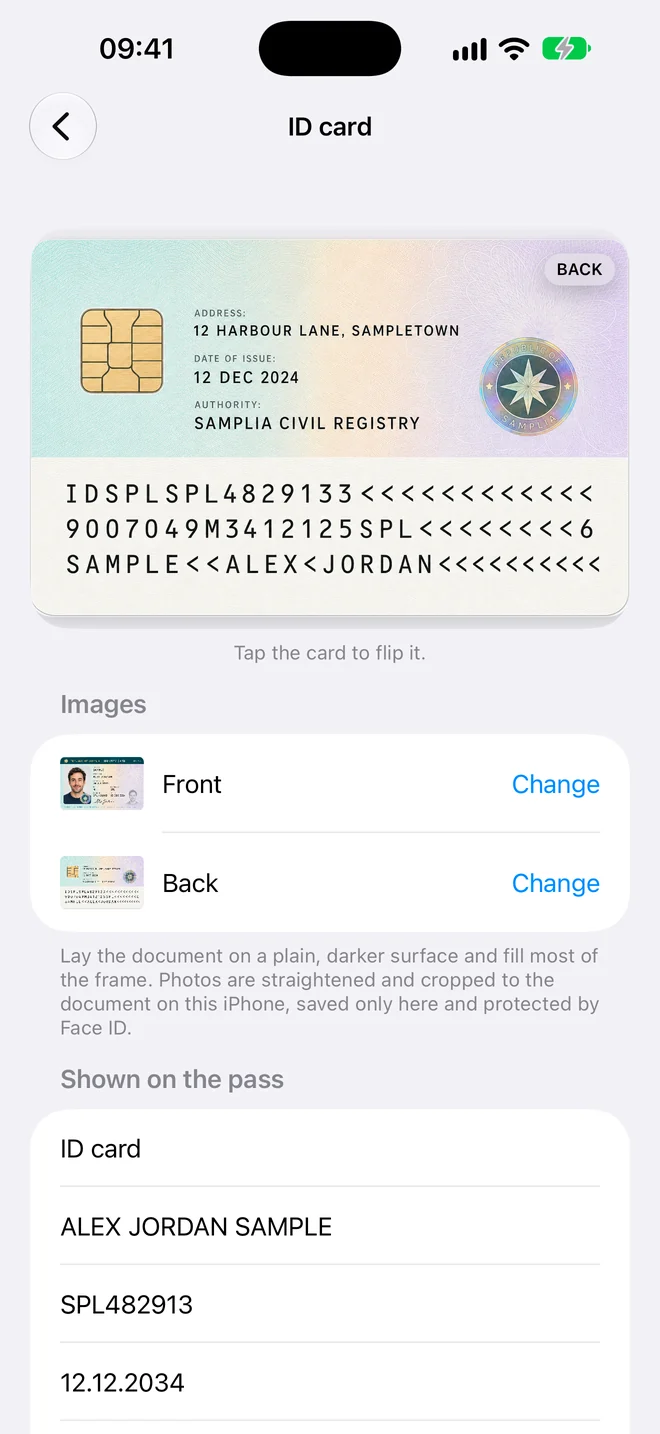
Both sides, one tap away
The Wallet pass shows the front of your card in its own colour.
Open it in the app to flip to the back.
How it works
Three steps, no forms
- Scan. Hold your iPhone over the document. The photo takes itself when it's steady and sharp.
- Check. The details are read for you. Fix anything that looks wrong, or add a field yourself.
- Add to Wallet. Tap Add and the pass appears in Apple Wallet in the card's own colour.
Private by design
Your documents stay yours
Add Your ID Card to Apple Wallet, in a minute
Scan it, check the details, add it to Wallet.
Download on theApp Store
First ID free · iPhone · No account needed