 ID to Wallet
Maltese ID Card in Apple Wallet
Keep a copy of your Maltese ID card in Apple Wallet with ID to Wallet.
Scan both sides and the details fill themselves in.
Your card number and expiry date are always to hand.
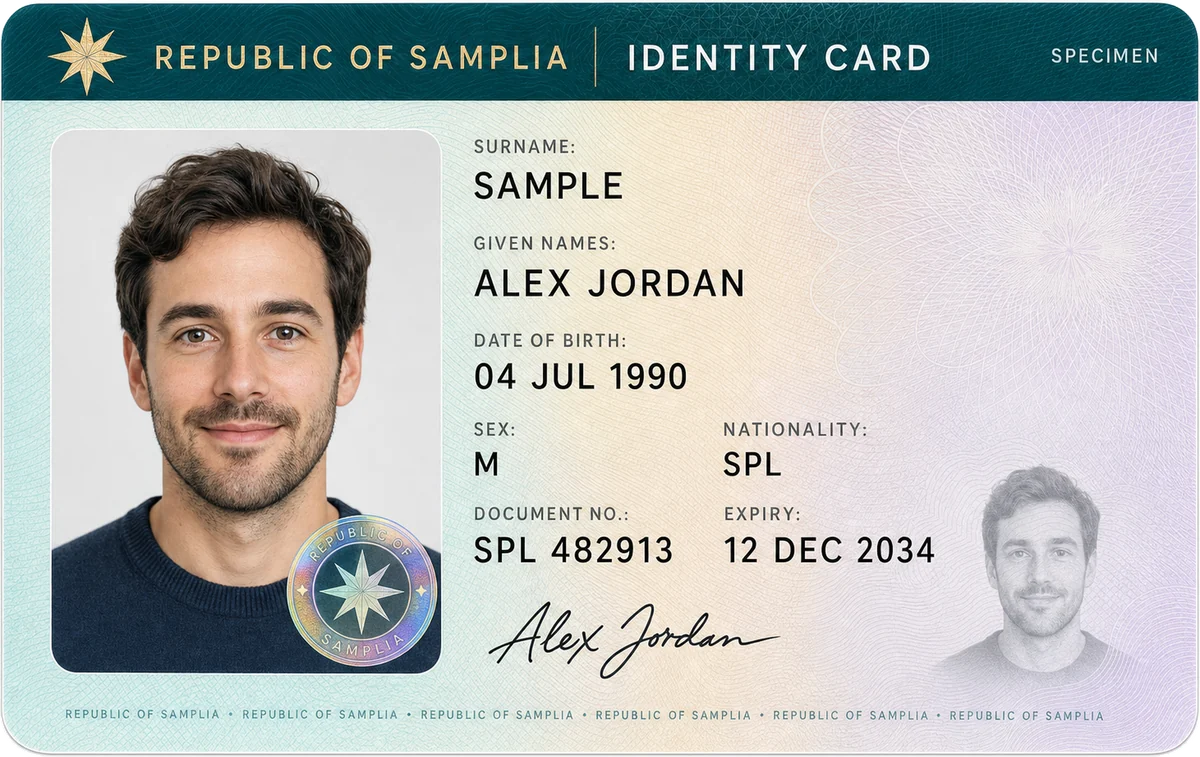
Reads your eID card
The Maltese ID card has three machine-readable lines.
ID to Wallet reads them on your iPhone:
- Surname and first names
- Card number
- Date of birth and expiry date
- Nationality
Check every field before you add the pass.
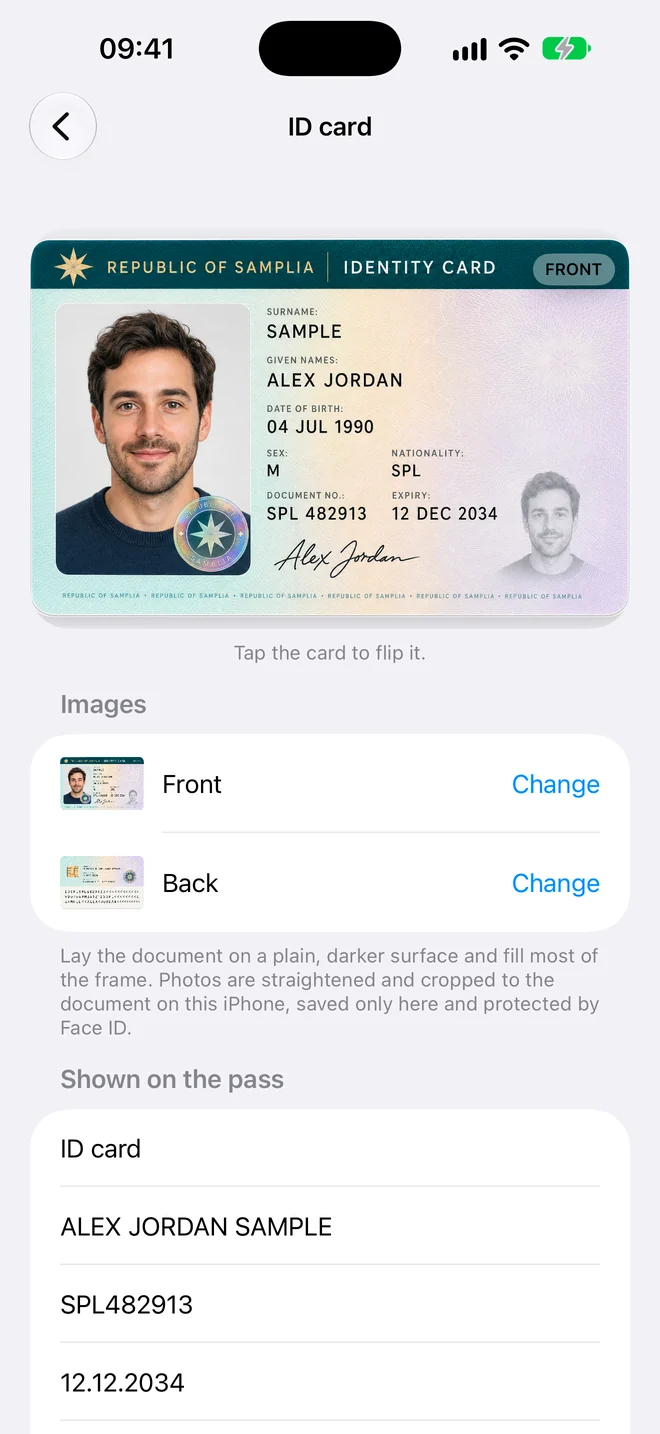
Your passport and licence too
On your passport, the app reads the two lines at the bottom of the photo page.
On your driving licence, it reads the numbered fields: name, date of birth and licence number.
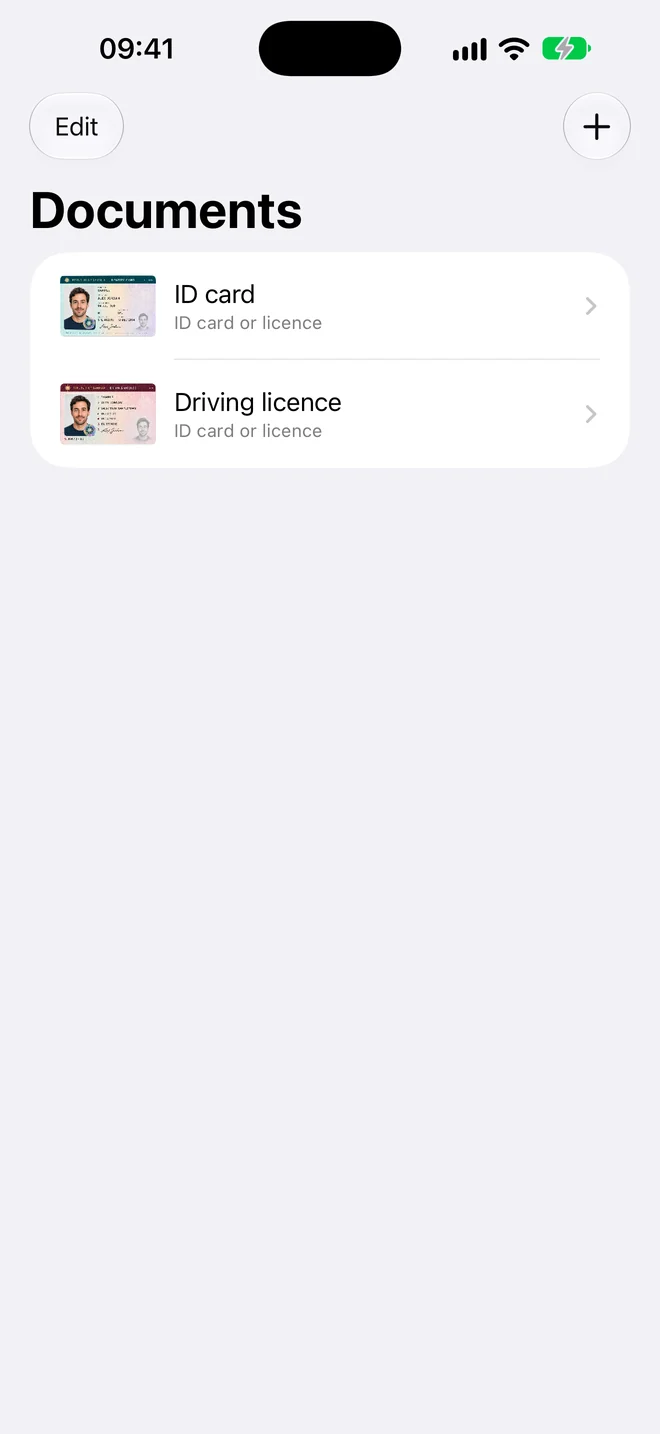
A copy, not ID
Your e-ID account is for logging in to government services, and it's separate from Apple Wallet.
ID to Wallet makes a personal copy for convenience. It isn't an official document and isn't accepted as ID, so carry your card where it's required.
Three steps, no forms
- Scan. Hold your iPhone over the document. The photo takes itself when it's steady and sharp.
- Check. The details are read for you. Fix anything that looks wrong, or add a field yourself.
- Add to Wallet. Tap Add and the pass appears in Apple Wallet in the card's own colour.
Questions
Can I add my Maltese ID card to Apple Wallet?
Not as an official ID. ID to Wallet adds a personal copy that shows your card in Wallet, but it doesn't replace the card.
How much does the app cost?
Adding your first document is free. To add more, it's a one-time US$4.99 (or the same in your currency), with no subscription. It needs no account and runs on iPhone with iOS 17 or later.
Your documents stay yours
Maltese ID Card in Apple Wallet, in a minute
Scan it, check the details, add it to Wallet.