 ID to Wallet
Residence Permit in Apple Wallet
Keep your residence permit in Apple Wallet with ID to Wallet.
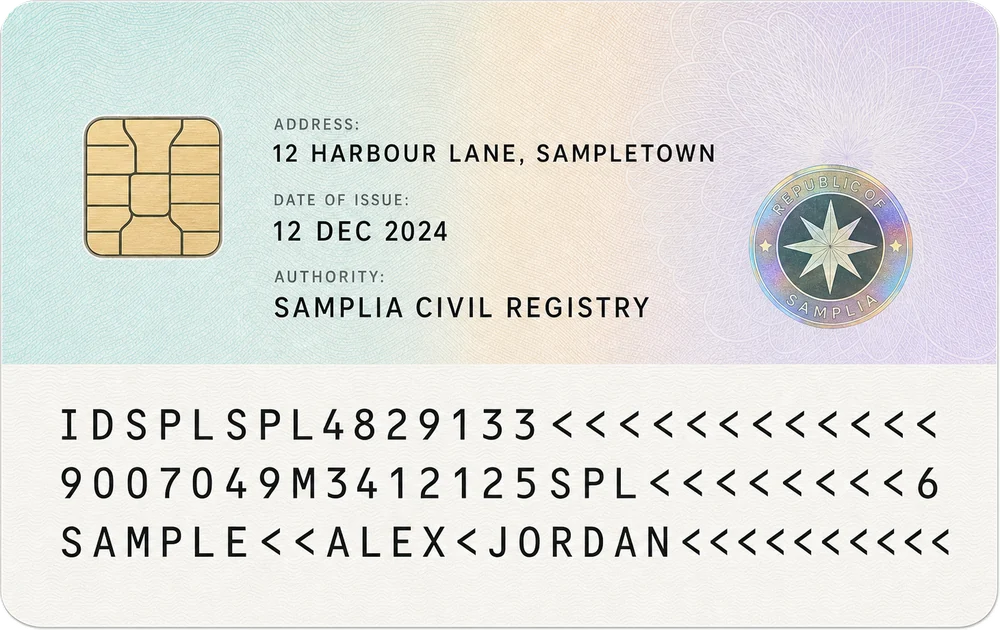
Scan both sides of the card.
The details are read from the lines on the back, so there's nothing to type.
Download on theApp Store
First ID free · iPhone · No account needed
For paperwork in a new country
Moving abroad means a lot of forms that ask for your permit.
- Flat and rental applications
- Bank and phone contracts
- Employer and payroll forms
- Your permit number when booking appointments
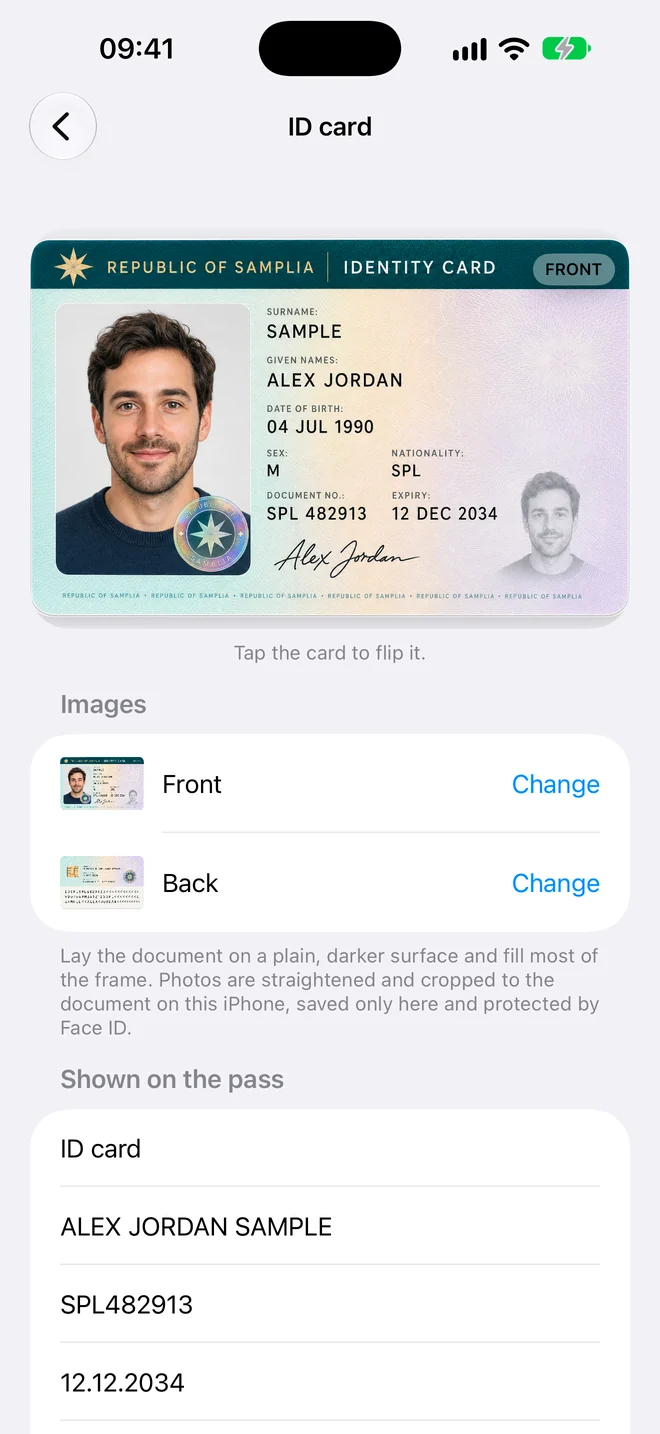
Reads cards from any country
Residence cards carry the same machine-readable lines as ID cards and passports.
They read the same whichever country issued your permit.
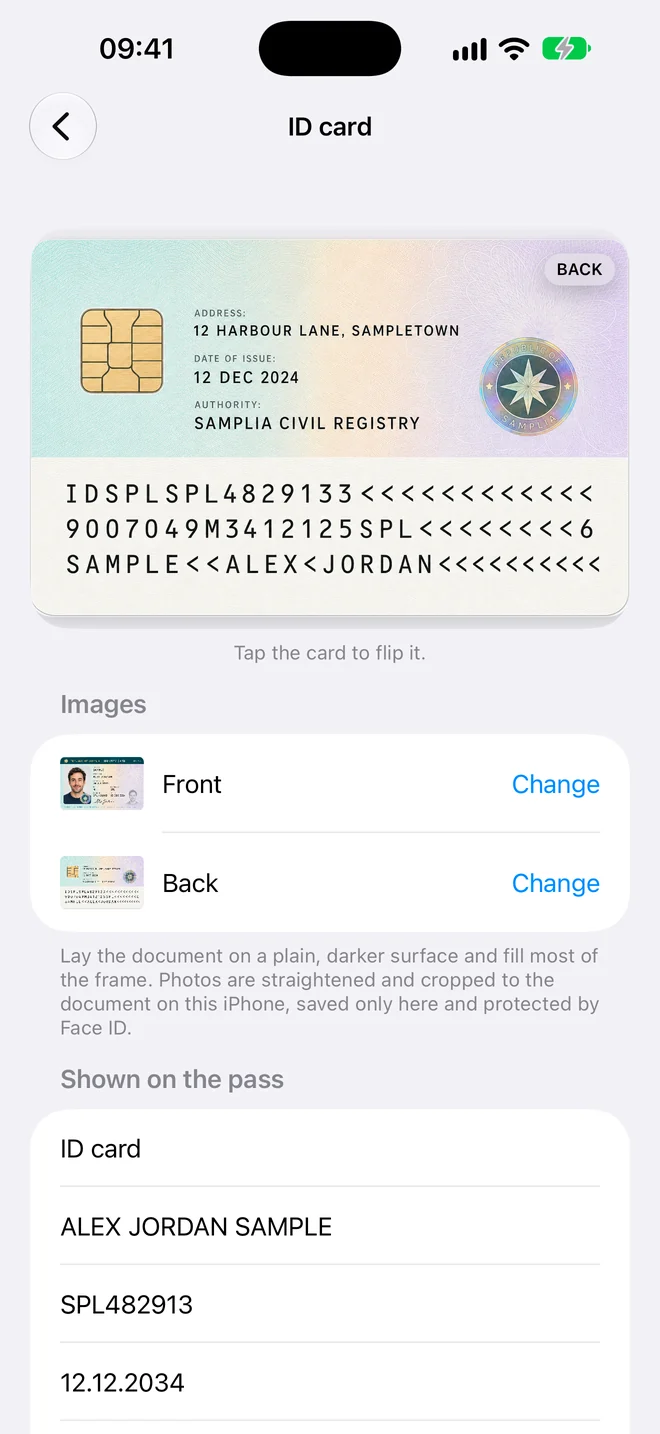
Know when to renew
The pass shows your permit's expiry date.
When it expires, the encrypted copy behind the QR code is deleted on its own.
How it works
Three steps, no forms
- Scan. Hold your iPhone over the document. The photo takes itself when it's steady and sharp.
- Check. The details are read for you. Fix anything that looks wrong, or add a field yourself.
- Add to Wallet. Tap Add and the pass appears in Apple Wallet in the card's own colour.
Private by design
Your documents stay yours
Residence Permit in Apple Wallet, in a minute
Scan it, check the details, add it to Wallet.
Download on theApp Store
First ID free · iPhone · No account needed