 ID to Wallet
Driver's License in Apple Wallet When Your State Isn't Supported
Driver's license in Apple Wallet, even when your state isn't supported yet.
Apple's official IDs only work in some states. ID to Wallet works with a license from any of them.
Scan it, and a personal copy is in Wallet in a minute.
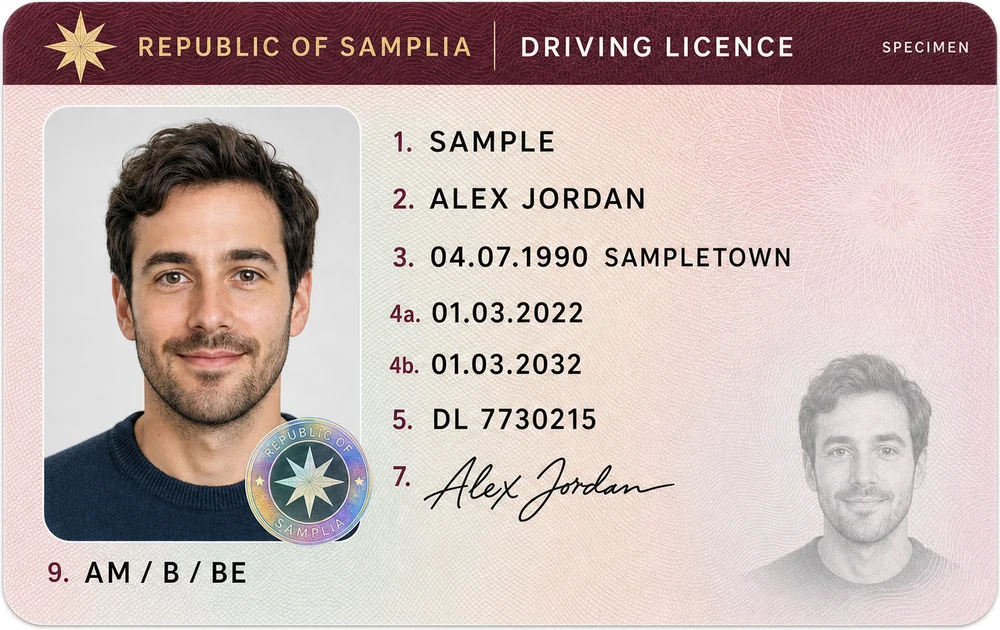
Why your state isn't on the list
Apple Wallet's official IDs are issued by each state, and each state joins on its own schedule.
Until yours does, Wallet can't hold your official license.
ID to Wallet doesn't wait for the state: it makes a personal copy from the card itself.
Works with every state's license
US and Canadian licenses carry the same kind of barcode on the back.
ID to Wallet reads it on your iPhone and fills in your name, license number and dates.
Check them, edit anything, and add the pass.
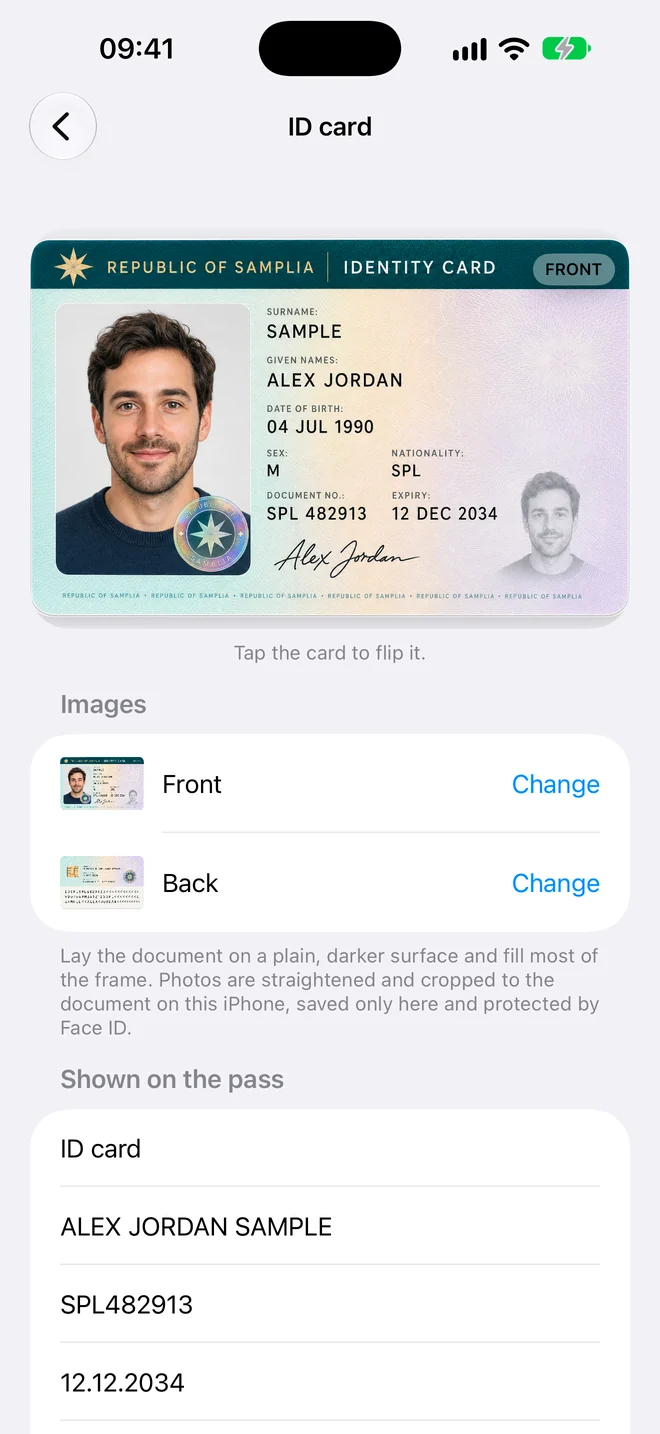
What a personal copy is for
- Rental car and insurance forms
- Your license number when a site asks for it
- Checking your expiry date
It isn't an official ID, so it won't get you through an airport checkpoint or a traffic stop. Keep the card with you.
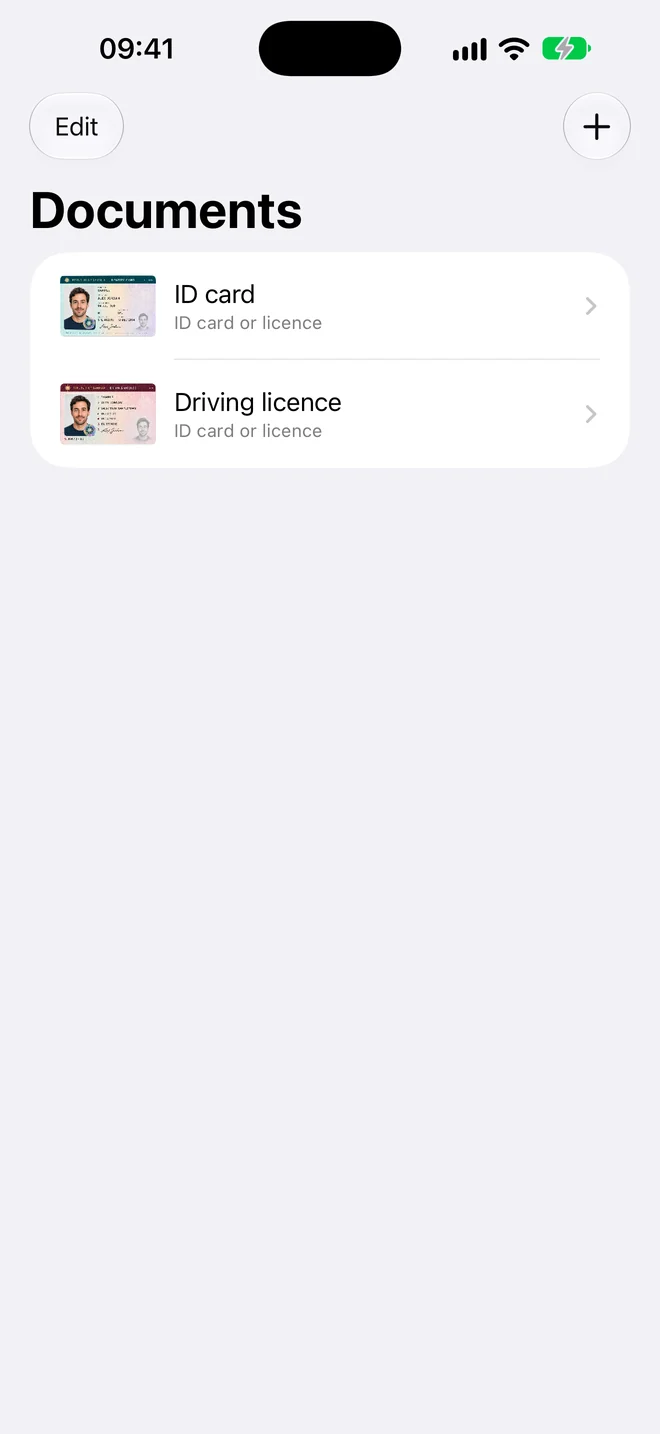
Three steps, no forms
- Scan. Hold your iPhone over the document. The photo takes itself when it's steady and sharp.
- Check. The details are read for you. Fix anything that looks wrong, or add a field yourself.
- Add to Wallet. Tap Add and the pass appears in Apple Wallet in the card's own colour.
Questions
When will my state support Apple Wallet IDs?
Apple only says more states are on the way and doesn't give dates. Its list at learn.wallet.apple/id shows the states that work today.
Can I switch to the official ID later?
Yes. When your state joins, add the official ID in Apple Wallet. You can keep or delete the personal copy.
Your documents stay yours
Driver's License in Apple Wallet When Your State Isn't Supported, in a minute
Scan it, check the details, add it to Wallet.