 ID to Wallet
Add a Non-US Passport to Apple Wallet
Add a non-US passport to Apple Wallet with ID to Wallet.
Apple's Digital ID only takes US passports. ID to Wallet works with any country's.
Scan the photo page, and the details fill themselves in.
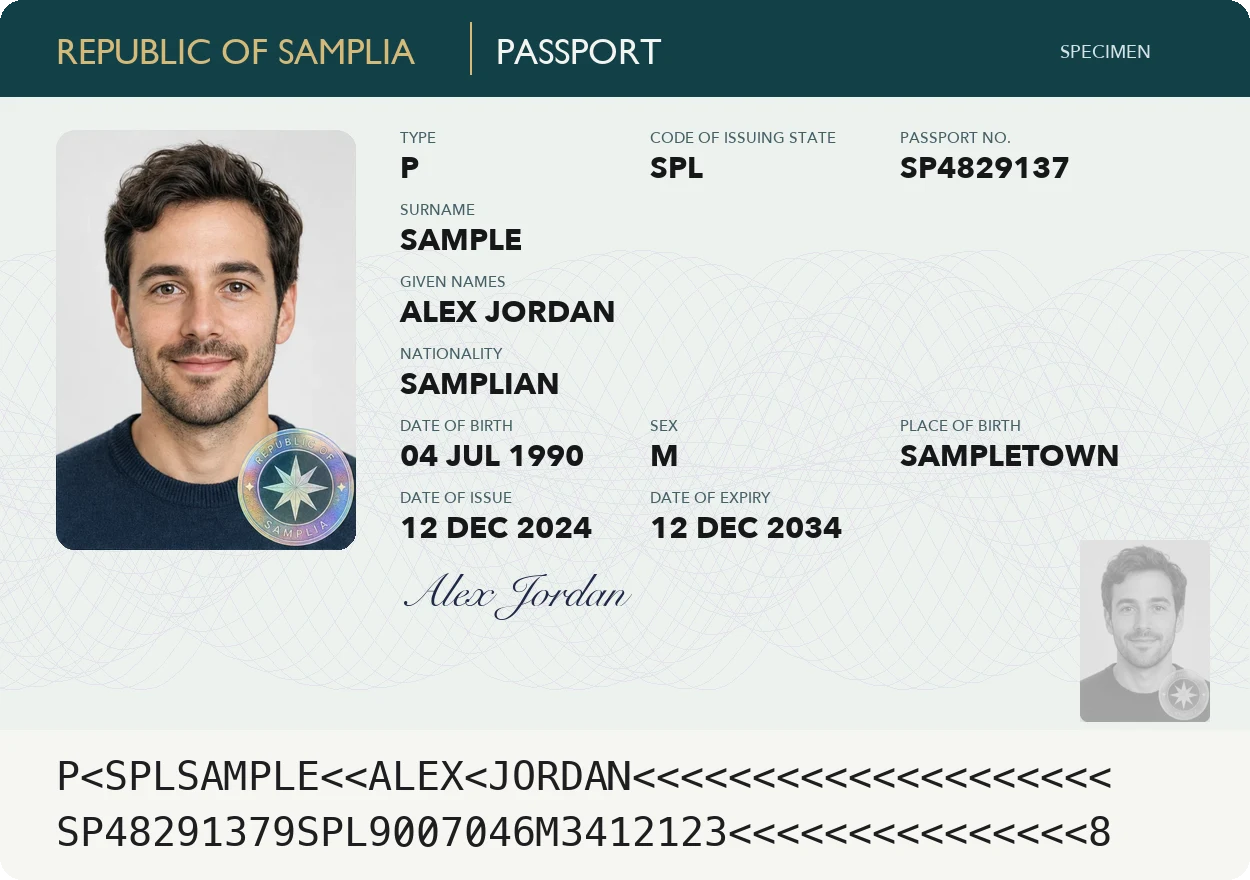
Why Apple Wallet won't take it
Apple's Digital ID is made from a US passport.
Passports from other countries can't be added that way.
ID to Wallet makes a personal copy from the photo page instead.
Reads any country's photo page
Every passport has the same two machine-readable lines at the bottom of the photo page.
ID to Wallet reads them for your name, passport number, nationality and dates.
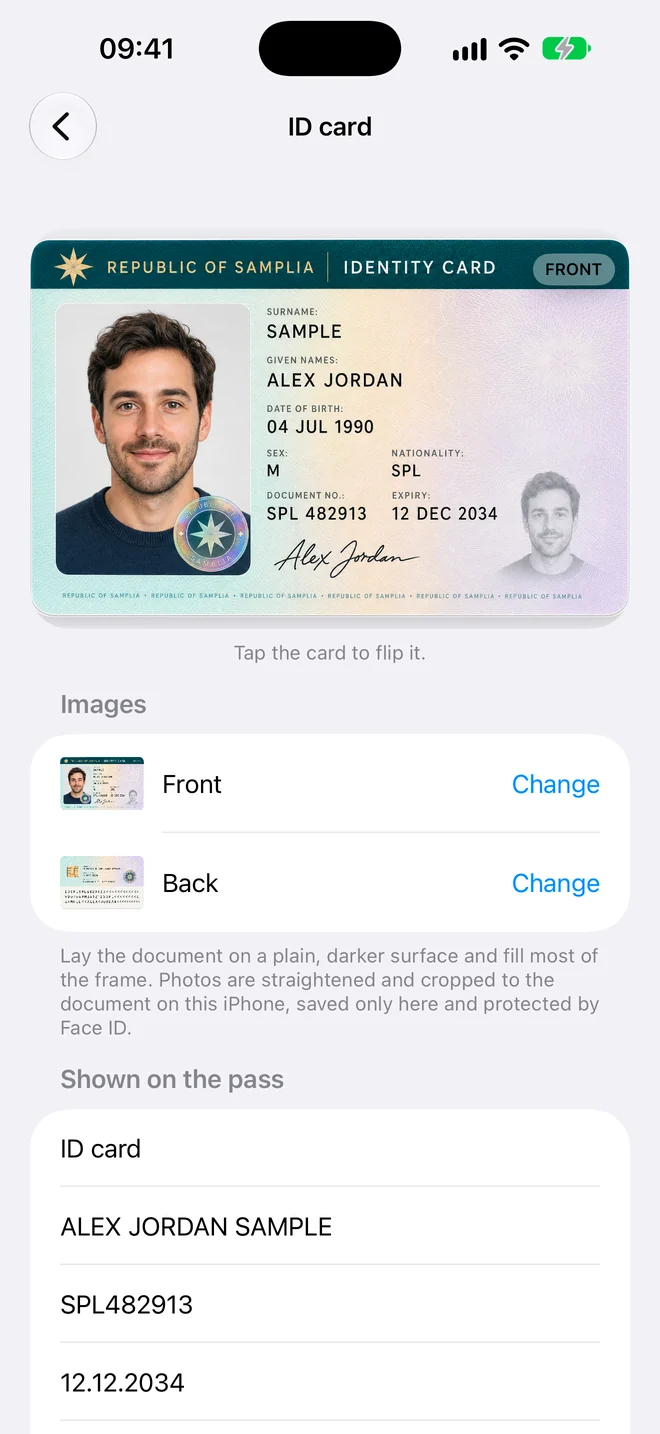
For travel paperwork
- Flight bookings that ask for your passport number
- Hotel check-in forms
- Visa and travel applications
Border staff need the original passport, so keep it with you.
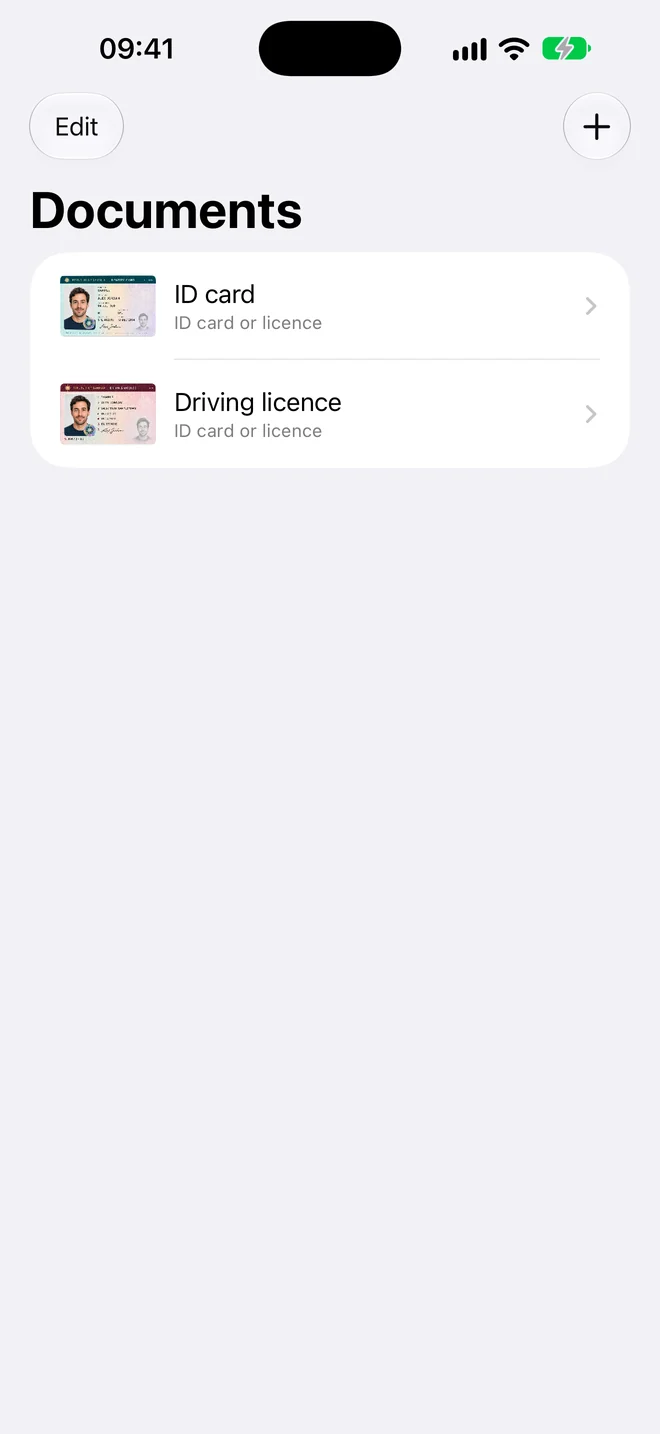
Three steps, no forms
- Scan. Hold your iPhone over the document. The photo takes itself when it's steady and sharp.
- Check. The details are read for you. Fix anything that looks wrong, or add a field yourself.
- Add to Wallet. Tap Add and the pass appears in Apple Wallet in the card's own colour.
Questions
Which passports does ID to Wallet read?
Passports from any country. Every passport photo page has two machine-readable lines in the same international format, and the app reads your details from them.
Will Apple add non-US passports to Wallet?
Apple hasn't announced it. Its Digital ID works with US passports only, and outside the US Apple Wallet holds only Japan's My Number Card.
Your documents stay yours
Add a Non-US Passport to Apple Wallet, in a minute
Scan it, check the details, add it to Wallet.